Why Non-Followers View Your Instagram Stories
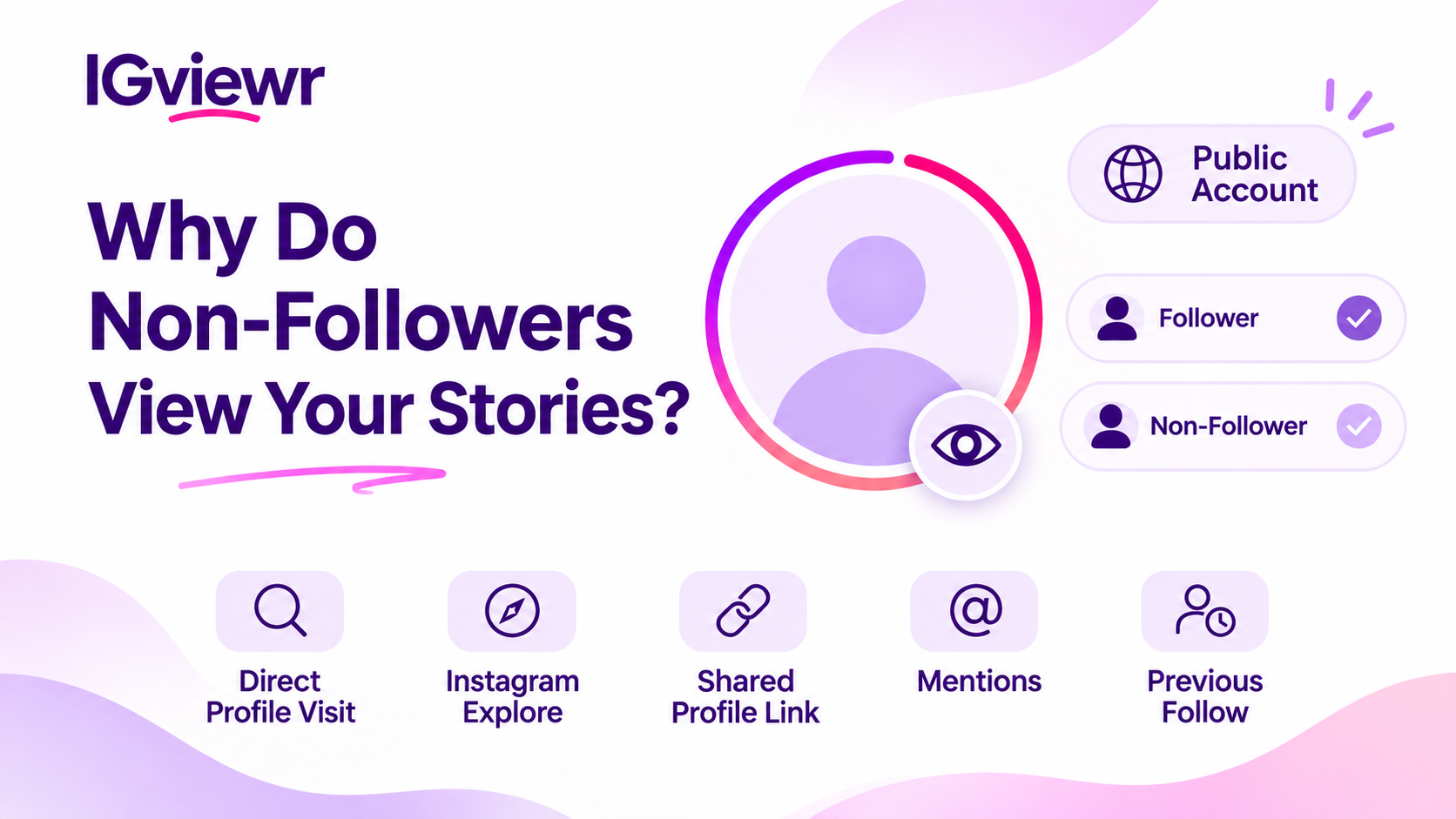
Learn why non-followers appear in your Instagram Story viewers, how public profiles work, and ways to control who can see your Stories.
Why Do Non-Followers Appear in Your Instagram Story Viewers?
Have you ever checked your Instagram Story viewers and noticed accounts that do not follow you? It can be confusing, especially when some of the usernames are unfamiliar.
This can happen when your Instagram account is public. People do not always need to follow you to access your publicly available Stories. However, Instagram Insights and the individual Story viewer list provide different types of information, so understanding the difference can help you make sense of non-follower activity.
Public Instagram Accounts and Non-Follower Story Views
Your account's privacy setting plays an important role in determining who can access your Stories. When your Instagram account is public, people who do not follow you may still be able to visit your profile, open your Story, and leave without sending a follow request.
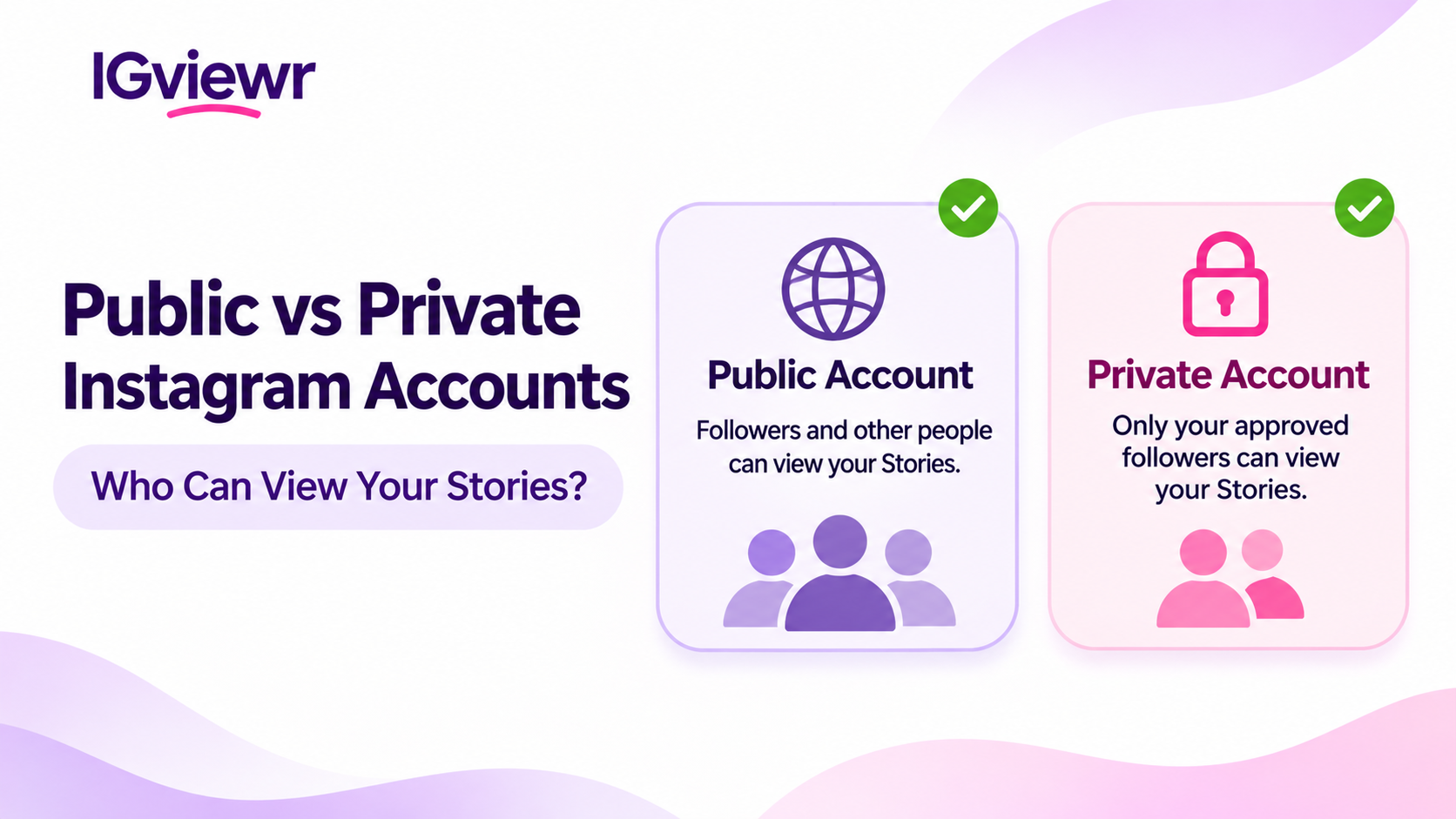
For example, someone might discover your username through another platform and watch your Story without becoming one of your followers. Private accounts work differently because access to their content is generally limited to approved followers. The main differences are shown below:
| Account type | Who can access your Stories? |
|---|---|
| Public account | Followers and other people who can access your public Stories |
| Private account | Approved followers who are included in the Story audience |
| Close Friends Story | Accounts included in your Close Friends audience |
| Hidden Story | Selected accounts are prevented from viewing your Stories |
A public account makes your content accessible to a wider audience, but it does not mean every Instagram user will see your Stories. If you regularly share personal updates, reviewing your account privacy is a useful way to decide who should be able to see them.
Common Ways Non-Followers Discover Your Stories
People can reach a public Instagram profile through different routes. Some may already know your username, while others might discover your profile through Instagram, a shared link, or another interaction. Not every viewer necessarily knows the account owner personally.
Direct Profile Visits
Some people already know your username or discover it through another website, conversation, or social media platform. They can enter your username, visit your public Instagram profile, and watch an available Story without following your account. For example, someone might see your username in a comment on another platform and search for your profile.
This is a straightforward way for non-followers to view public Stories. It also explains why you may see usernames belonging to people you do not recognize.
Instagram Explore and Profile Discovery
Instagram Explore helps users discover content and accounts beyond the profiles they already follow. Someone might come across your public profile while browsing Instagram and decide to visit it. If they open your profile, they may also be able to watch your available Stories.
However, discovering a profile through Instagram does not automatically mean someone has viewed its Stories. The individual Story viewer list also does not tell you whether a particular person found your account through Explore. You can see the account associated with a view, but Instagram does not confirm its discovery route.
Shared Profiles and Mentions
Another account might mention your username or share a link to your profile. People who see that mention or receive the link can visit your Instagram account and, if your profile is public, access your available Stories. For example, a friend might share your profile through a direct message with someone who has never followed you.
Your username may also appear in a public comment, post, or discussion. These interactions can introduce your profile to people outside your existing follower list.
Previous Followers
Someone might have followed your account in the past and later unfollowed. If your account is still public, that person can continue accessing your publicly available content because unfollowing does not automatically prevent someone from visiting your profile.
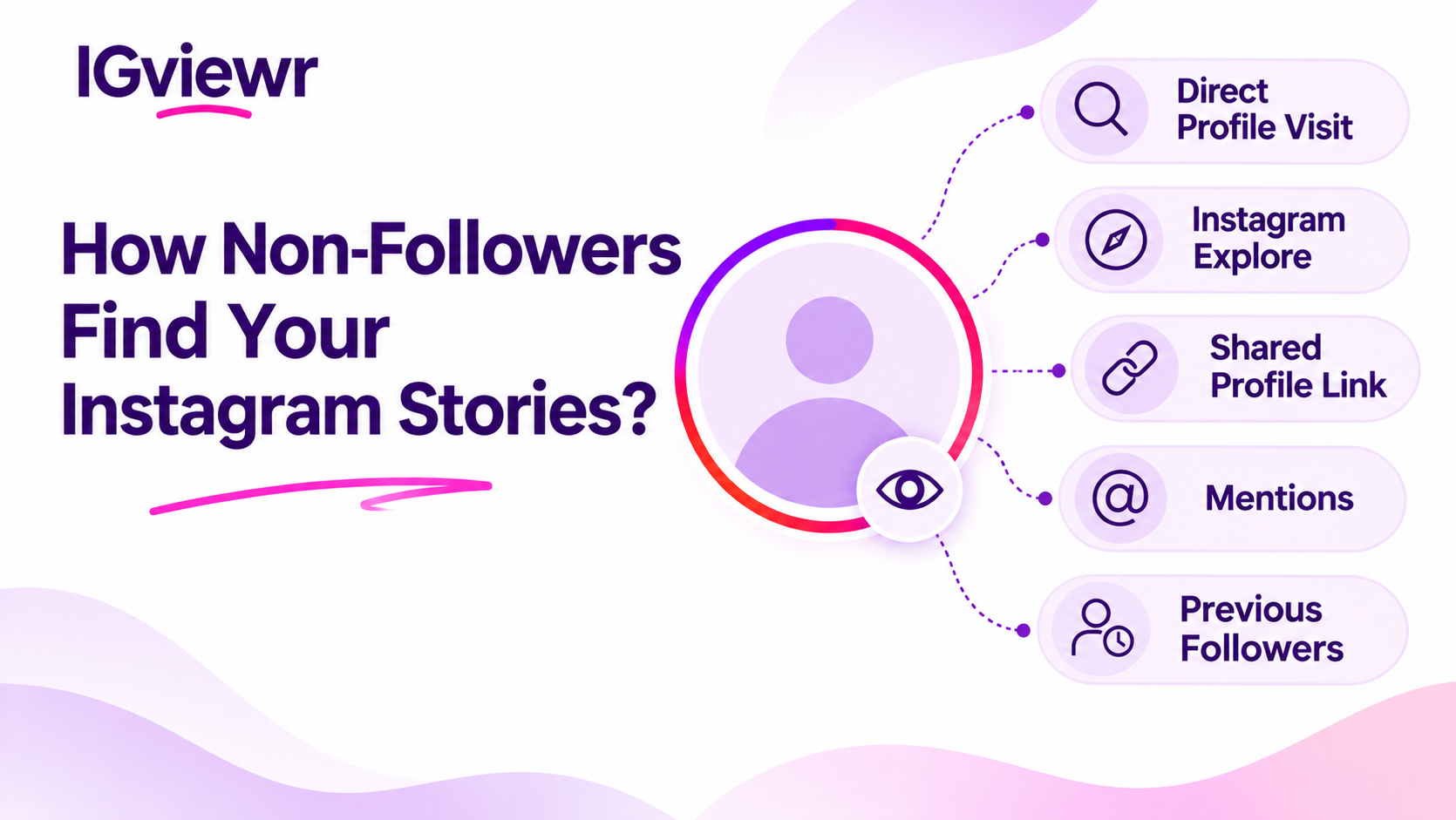
This means that a non-follower view does not always come from a completely unfamiliar person. It may be someone who already knows your account. The following table summarizes these possible discovery routes:
| Discovery route | How someone may reach your profile |
|---|---|
| Direct profile visit | They search for or enter your username |
| Instagram discovery | They come across your profile while browsing Instagram |
| Shared profile | Someone sends them your profile link |
| Mention | They see your username mentioned by another account |
| Previous follow | They followed you before but later unfollowed |
These are possible discovery routes, not confirmed explanations for any particular viewer. Instagram does not identify the exact source of every individual Story view.
Non-Follower Activity in Instagram Insights
Instagram Insights and the Story viewer list serve different purposes. You might notice non-follower activity in your Story Insights but find it difficult to connect that information with particular usernames. One provides performance information, while the other displays individual accounts associated with Story views.
- Instagram Insights: Provides information about content performance and audience activity, including available follower and non-follower metrics.
- Story viewer list: Displays individual accounts associated with your Story views.
An audience percentage is not the same as a list of identifiable usernames. Insights should therefore be understood as performance information rather than a guaranteed way to identify every non-follower. Here is a simple comparison:
| Feature | What it tells you |
|---|---|
| Story viewer list | Which accounts viewed an individual Story |
| Views | How many times content was viewed |
| Reach | How many unique accounts were reached |
| Interactions | Actions people took, such as replies or other available interactions |
| Audience breakdown | Available information about the audience reached |
For example, your Story might receive views from both followers and non-followers. Insights can help you understand audience activity, but an audience breakdown should not automatically be treated as a list of usernames. Views can also include repeat activity, while reach refers to unique accounts, which is why the two figures may not always be identical.
If you want to understand how Instagram displays individual viewer names, read our separate guide on How the Instagram Story Viewer List Works.
Understanding the Follow Button Beside a Viewer
Instagram may display a Follow button next to certain accounts in your Story viewer list. This button allows you to follow an account that you are not already following, but it does not independently confirm whether that person follows you. For example, seeing a Follow button beside an unfamiliar username simply gives you the option to follow that account.
It does not prove that the person recently followed or unfollowed you. If you want to check whether someone follows your account, search for their username in your followers list instead.
| What you notice | What it means |
|---|---|
| Follow button beside a username | Instagram is offering you the option to follow that account |
| Unfamiliar username | You may not recognize the account |
| Viewer you do not follow | The account can still appear among your Story viewers |
| Previous follower | The person may still access your public Stories after unfollowing |
Understanding this difference can prevent confusion when checking your Story audience.
Unfamiliar Viewers, Bots and Suspicious Accounts
Not every unfamiliar Story viewer is a bot or spam account. Some are genuine Instagram users who have discovered your public profile. However, it is sensible to be cautious when an unfamiliar account also shows suspicious behaviour, such as sending repeated promotional messages, sharing questionable links, or requesting personal information.
Some warning signs include:
- Repeated promotional comments or unwanted messages.
- Suspicious links sent through direct messages.
- Accounts pretending to represent people or businesses.
- Requests for passwords or personal information.
- Messages that pressure you to visit unfamiliar websites.
These behaviours may justify blocking or reporting an account. However, an unfamiliar username or a single Story view is not enough to establish that an account is automated or malicious. Avoid sharing personal information with accounts you do not trust, and be careful when opening links sent by unfamiliar users.
Instagram Story Privacy and Audience Controls
If you prefer not to share your Stories with unfamiliar people, Instagram provides several ways to manage your audience. You do not always need to change your entire account's privacy setting. Depending on your situation, you can limit access to particular Stories or share selected updates with a smaller group.
Switching to a Private Account
A private account limits access to approved followers. People generally need to send a follow request before they can access content reserved for your followers. This gives you more control over who can view your Stories.
To enable this setting:
- Open your Instagram profile.
- Tap the three-line menu.
- Open Settings and activity.
- Select Account privacy.
- Enable Private account.
The exact menu wording may change as Instagram updates its app. A private account is useful if you share personal photos, daily updates, or content that you do not want publicly accessible. Remember that changing your account to private affects your profile's visibility more broadly, not just your Stories.
Hiding Stories From Selected Accounts
You can keep your account public while preventing particular accounts from viewing your Stories. Open your Story privacy settings and find the Hide story and live from option. Select the accounts you want to exclude from your Story audience.
This option is useful when you want to prevent specific people from seeing your updates without changing your account's overall privacy setting. Keep in mind that hiding your Stories does not necessarily prevent those accounts from visiting your public profile or seeing other publicly available content.
Sharing Personal Updates With Close Friends
Close Friends provides another way to manage your Story audience. You can create a list of selected accounts and choose Close Friends when publishing a Story. The update will then be shared with that selected audience rather than your general Story audience.
This is useful when you want to share personal updates with a smaller group. For example, you might prefer to share everyday public content with your regular audience but keep personal photos limited to Close Friends.
| Privacy option | Best suited for |
|---|---|
| Public account | Sharing content with a wider audience |
| Private account | Limiting access to approved followers |
| Hide Story From | Excluding selected accounts |
| Close Friends | Sharing selected Stories with a smaller group |
Reviewing these options regularly can help you maintain the level of privacy you want.
Frequently Asked Questions
Can someone who doesn't follow me see my Instagram Story?
Yes. People who do not follow you may view your publicly available Stories. For private accounts, Story access is generally limited to approved followers who are included in the audience.
Why are non-followers watching my Stories?
They may have discovered your public profile through Instagram, a shared link, a mention, or another interaction. Instagram does not reveal the exact discovery source for each individual viewer.
Can someone watch my Story without following me?
Yes. Following an account is not always a requirement for accessing its public Stories. Someone can visit your public profile and watch available content without sending a follow request.
Does Instagram show which viewers are non-followers?
Instagram provides individual viewer information and separate audience insights. However, an Insights breakdown should not be treated as a guaranteed identification list of every non-follower.
Can someone unfollow me and still watch my Stories?
Yes. If your account is public, someone who unfollows you can still access your publicly available Stories. Unfollowing does not automatically block access to public content.
How can I stop strangers from watching my Stories?
You can make your account private, hide Stories from selected accounts, or share personal updates through Close Friends. These options give you different levels of control over your Story audience.
Final Thoughts
Non-followers appearing in your Instagram Story audience is possible when your account is public. People may discover your profile through Instagram, visit it directly, or reach it through a shared link or mention. An unfamiliar viewer does not necessarily indicate a bot, a former follower, or someone deliberately monitoring your activity.
Instagram does not disclose the personal reason behind each view.