Instagram Green Ring: Close Friends Meaning Explained
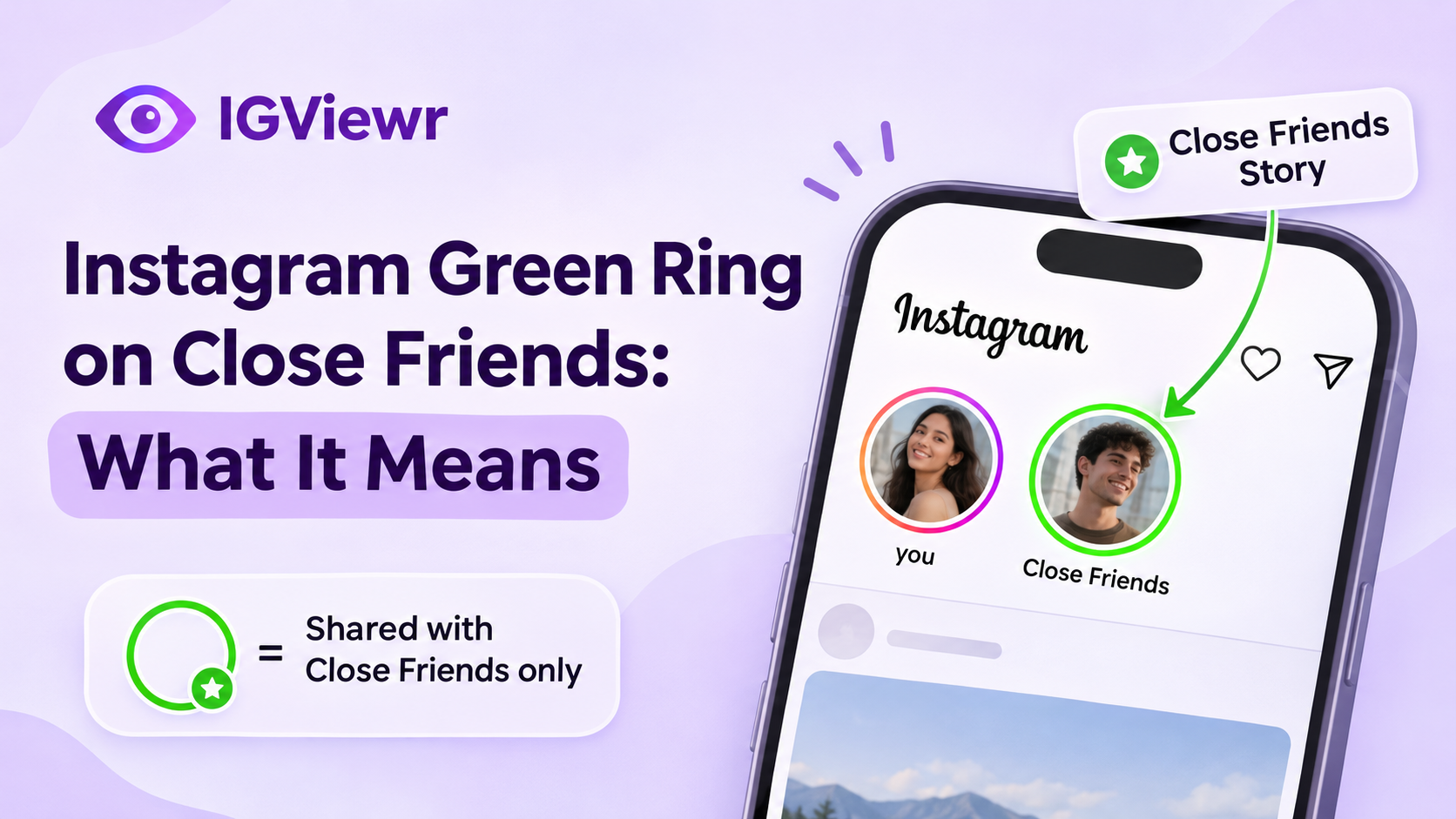
What does the green ring mean on Instagram? Learn who can see Close Friends Stories, whether members get notified, and how your list stays private.
Instagram Green Ring on Close Friends: What It Means
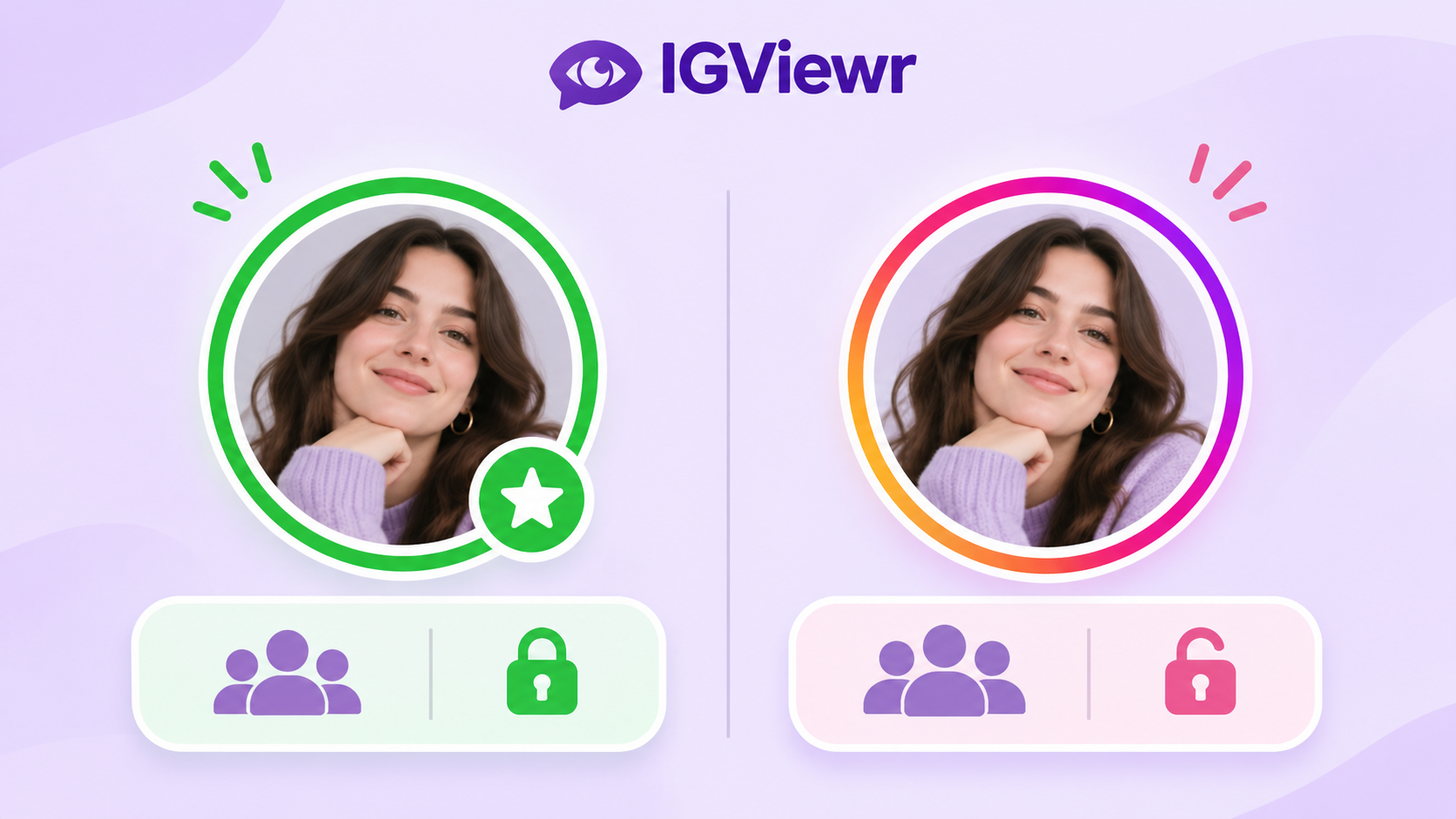
Have you ever noticed a green ring around someone's Instagram profile picture and wondered why it looks different from a regular Story? The green ring is an indicator that the person has shared content with their Close Friends audience. It means the Story is intended for selected accounts rather than their regular Story audience.
Instagram's Close Friends feature allows users to share personal photos, videos and other eligible content with a smaller group. However, it also raises questions about privacy and visibility. This guide explains how the Instagram green ring works, what Close Friends members can see, how list privacy works, and why third-party anonymous viewers cannot access restricted content.
What Does the Green Ring Mean on Instagram?
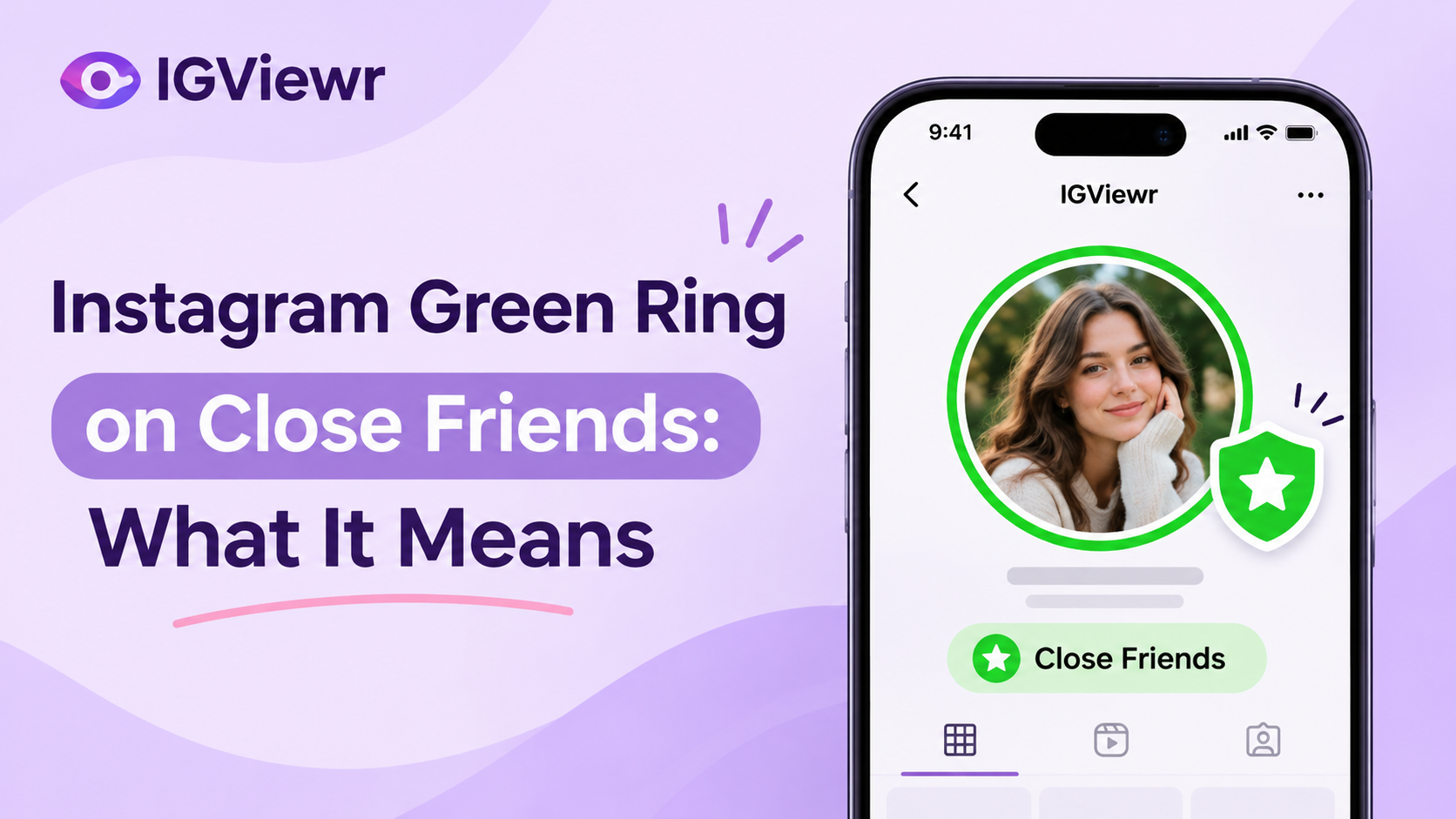
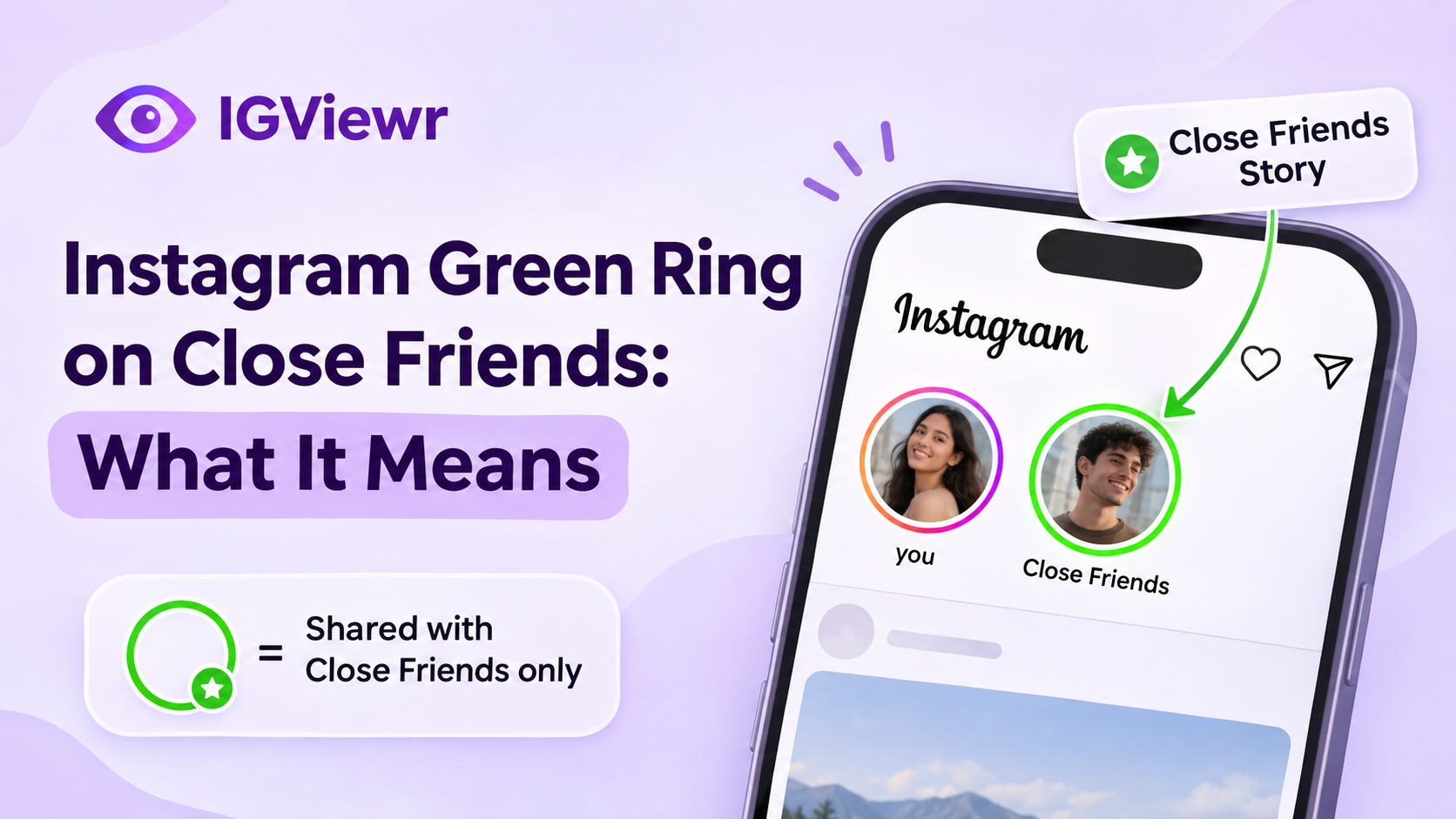
The Instagram green ring appears around a person's profile picture when they share a Story with their Close Friends list. If you can see that Story, your account is included in the audience selected by that person.
Unlike the regular pink-orange Story ring, the green indicator identifies content shared with a restricted audience. When you open the Story, Instagram also displays a Close Friends label to distinguish it from regular Stories.
Green Ring vs. Regular Instagram Story Ring
Instagram uses different visual indicators to help users recognise the audience of a Story. Understanding the difference makes it easier to identify whether content is shared with everyone eligible to view regular Stories or only selected accounts.
| Feature | Green Ring | Regular Story Ring |
|---|---|---|
| Appearance | Green | Pink, orange and purple gradient |
| Meaning | Close Friends content | Regular Story |
| Audience | Selected accounts | Regular Story audience |
| Visibility | Eligible Close Friends members | Accounts permitted to view regular Stories |
| Privacy | Restricted sharing | Depends on account privacy settings |
The main difference is the selected audience. A green ring indicates Close Friends content, while the regular gradient ring identifies an ordinary Story.
What Does the Green Star Mean on Instagram?
The green star is another indicator associated with Close Friends sharing. Instagram has expanded Close Friends beyond its original Story-sharing purpose, allowing selected audiences for additional content formats, including Reels and other eligible sharing surfaces.
When a Close Friends Reel or post displays a green star, it indicates that the content was shared with a restricted audience. The green star and green Story ring serve a similar purpose, but appear in different parts of Instagram. Remember that the availability of these sharing options and their interface can vary by account and app version.
Does Someone Know They're on My Close Friends List?
Yes, someone can recognise that they are included in your Close Friends audience when you share content with that list. However, Instagram does not send a direct notification simply because you add an account.
For example, when you publish a Close Friends Story, the selected person may see a green ring around your profile picture. After opening the Story, they can also see the Close Friends indicator. This tells them that they have access to content shared with your selected audience.
Does Instagram Notify Someone When You Add Them?
No. Instagram does not send an automatic notification when you add someone to your Close Friends list. The same applies when you remove someone.
However, there is an important difference between receiving a notification and recognising membership. Although Instagram does not send an alert, the person may realise they are included when they see your Close Friends content.
| Action | Does Instagram Send a Notification? |
|---|---|
| Adding someone to Close Friends | No |
| Removing someone from Close Friends | No |
| Sharing a Close Friends Story | No separate membership notification |
| Sharing eligible Close Friends content | A Close Friends indicator is displayed |
| Updating your membership list | No direct notification |
This means you can manage your audience without Instagram sending a membership alert to the selected accounts.
Can Someone Know If You Remove Them From Close Friends?
Instagram does not directly inform someone when you remove them from your Close Friends list. They simply lose access to future content shared exclusively with that audience.
However, someone who regularly watches your Stories might notice that your green ring no longer appears. This can make them suspect that their membership has changed, but it does not prove removal. You may simply not have shared another Close Friends Story.
Can Someone See Who Is on Your Close Friends List?
No. Instagram does not provide other users with access to your complete Close Friends list. Only the account owner can manage and view the selected accounts through the relevant settings. Even if someone is included in your audience, they cannot open a separate page to see every other member or check the total number of accounts you have added.
What Can Close Friends Members Actually See?
Being included in someone's Close Friends list provides access to eligible content shared with that audience. It does not provide access to the owner's private list or account settings.
| Information | Visible to Close Friends Members? |
|---|---|
| Their own access to Close Friends content | Yes |
| Green Story ring | Yes, when applicable |
| Close Friends label | Yes, when displayed |
| Complete membership list | No |
| Names of all other members | No |
| Total number of members | No |
| Notification when added | No |
| Notification when removed | No |
One important distinction is that a Close Friends Story's viewer list is not the same as its membership list. The viewer list identifies accounts that watched a particular Story; it does not reveal everyone who was selected to receive it.
Can Mutual Friends See Your Close Friends List?
No. Being mutual followers does not give someone permission to inspect another person's Close Friends settings. A mutual friend cannot access the complete list simply because they follow the same account.
However, interactions on shared content may reveal information about people who have engaged with a particular post or Reel. This is different from accessing the owner's full membership list.
Can Anonymous Viewers See Close Friends Stories?
No. Anonymous Instagram Story viewers cannot legitimately bypass Close Friends restrictions to access content they have not been authorised to view.
Close Friends Stories are shared with accounts selected by the person who publishes them. They are not ordinary publicly accessible Stories, so entering a username into a third-party viewing website does not grant permission to open them.
For example, IGviewr's Instagram Story Viewer is intended for eligible public Instagram Stories. It does not provide access to private accounts or restricted Close Friends content.
Why Anonymous Instagram Viewers Cannot Access Close Friends Stories
Third-party Story viewers work with publicly accessible Instagram content. Close Friends sharing uses a restricted audience, which means the content is not available to everyone who can visit the account's profile.
Consider the following differences:
| Content Type | Who Can Normally View It? |
|---|---|
| Public Instagram Story | Eligible viewers of the public account |
| Private Instagram Story | Approved followers |
| Close Friends Story | Accounts included in the selected audience |
| Public Instagram Reel | Eligible public viewers |
| Close Friends Reel | Selected Close Friends audience |
Even if an Instagram account is public, that does not automatically make its Close Friends content available to everyone.
You can learn more about these differences in our guide to who can see your Instagram Story.
Can Someone Watch a Close Friends Story Without Appearing in the Viewer List?
Someone who watches your Close Friends Story through their authorised Instagram account should not assume that their activity is invisible. Instagram associates Story viewing activity with accounts, and the account owner can check the available viewer information.
Anonymous viewing websites should not be confused with a way to hide activity while accessing restricted content. A public-content viewing service cannot grant access to an audience-restricted Story.
Can a Public Instagram Account Hide Close Friends Stories?
Yes. A public account can still share a Story exclusively with its Close Friends list. The account's public status does not override the audience selected for that individual Story.
This is why a public profile and publicly accessible content are not always the same thing. The account may have public posts and regular Stories while keeping selected content restricted.
How to Create and Manage Your Instagram Close Friends List
Instagram allows users to create and update their Close Friends list through the app. You can select accounts, remove existing members and choose the restricted audience when sharing eligible content.
Steps to Create a Close Friends List
Follow these steps to manage your audience:
- Open the Instagram application.
- Visit your profile.
- Tap the three-line menu in the upper-right corner.
- Find Close Friends under the content visibility settings.
- Search for the accounts you want to include.
- Select the accounts you want to add.
- Save your changes.
The exact menu labels may vary depending on your Instagram version. You can revisit the same settings whenever you want to update your selected audience.
How to Share a Story With Close Friends
After creating your list, you can select the audience before publishing your Story.
- Open Instagram and select the option to create a Story.
- Choose a photo or video from your device.
- Edit your content if necessary.
- Select Close Friends instead of Your Story.
- Publish your Story.
Your Story will then be shared with the eligible accounts included in your selected audience rather than your regular Story audience.
Common Instagram Close Friends Myths
There are several misunderstandings about the green ring, membership notifications and Story visibility. Knowing what Instagram actually displays can help you avoid misleading information and unreliable third-party services.
| Common Myth | Actual Explanation |
|---|---|
| Instagram notifies someone when you add them. | No direct notification is sent. |
| Anyone can see your Close Friends list. | The complete list is private to its owner. |
| Story viewer order reveals membership. | Viewer order does not confirm Close Friends membership. |
| Anonymous viewers can access Close Friends Stories. | Public Story viewers cannot bypass audience restrictions. |
| A missing green ring confirms removal. | It may simply mean no Close Friends Story was shared. |
| Checker websites can reveal private membership. | They cannot legitimately access another person's private list. |
| Public accounts cannot have private Stories. | Public accounts can still restrict individual Stories to Close Friends. |
Can Third-Party Close Friends Checker Websites Be Trusted?
Be careful with websites or applications claiming to reveal whose Close Friends list you are on. Instagram does not provide a public membership checker for other people's lists.
A service asking for your Instagram password to reveal private membership information should be treated as a security risk. Avoid sharing login credentials with unfamiliar applications or websites.
Frequently Asked Questions
What does a green circle around an Instagram profile picture mean?
It indicates that someone has shared a Story with their Close Friends audience. If you can see the restricted Story, your account is included in the selected audience.
Does someone know they're on my Close Friends list?
They can recognise their membership when they see your Close Friends Story or other eligible restricted content. Instagram does not send a direct notification when you add them.
Can someone see how many people are on my Close Friends list?
No. Instagram does not publicly display the total number of accounts included in your Close Friends list.
Can non-followers see Close Friends Stories?
Only eligible accounts selected for the Close Friends audience can normally view the restricted content. A public account does not make its Close Friends Stories available to everyone.
Can anonymous Instagram viewers see Close Friends Stories?
No. Third-party public Story viewers cannot legitimately retrieve restricted Close Friends content from accounts whose audience does not include them.
Does Instagram notify someone when you remove them?
No. Instagram does not send a direct removal notification. However, the person might notice that your future Close Friends Stories no longer appear for them.
Can mutual friends see who is on my Close Friends list?
No. Mutual followers do not receive access to the complete membership list. They cannot inspect the owner's Close Friends settings.
Does the green star mean the same thing as the green ring?
Both indicators are associated with Close Friends sharing. The green ring is used for Stories, while the green star can identify eligible Close Friends posts and Reels.
Can I share the same content with regular followers and Close Friends?
You can create separate shares for different audiences where Instagram offers those options. Check the audience selector before publishing to ensure the content reaches the intended people.
Final Thoughts
The Instagram green ring is a visual indicator that someone has shared a Story with their Close Friends audience. It helps selected accounts recognise that they have access to content intended for a restricted group.
Instagram does not send notifications when someone is added or removed, and other users cannot inspect the owner's complete membership list. Similarly, anonymous Story-viewing websites cannot bypass Close Friends restrictions to access private content.
Understanding these differences helps you recognise the green ring, protect your Story audience and avoid misleading websites that claim to reveal private Instagram information.