Does Instagram Notify When You View? Full List
Does Instagram notify when you view profiles, Stories, Reels, or followers? Learn which actions trigger alerts, what stays private, and screenshot rules.
What Instagram Notifies (and What It Doesn't): Full List
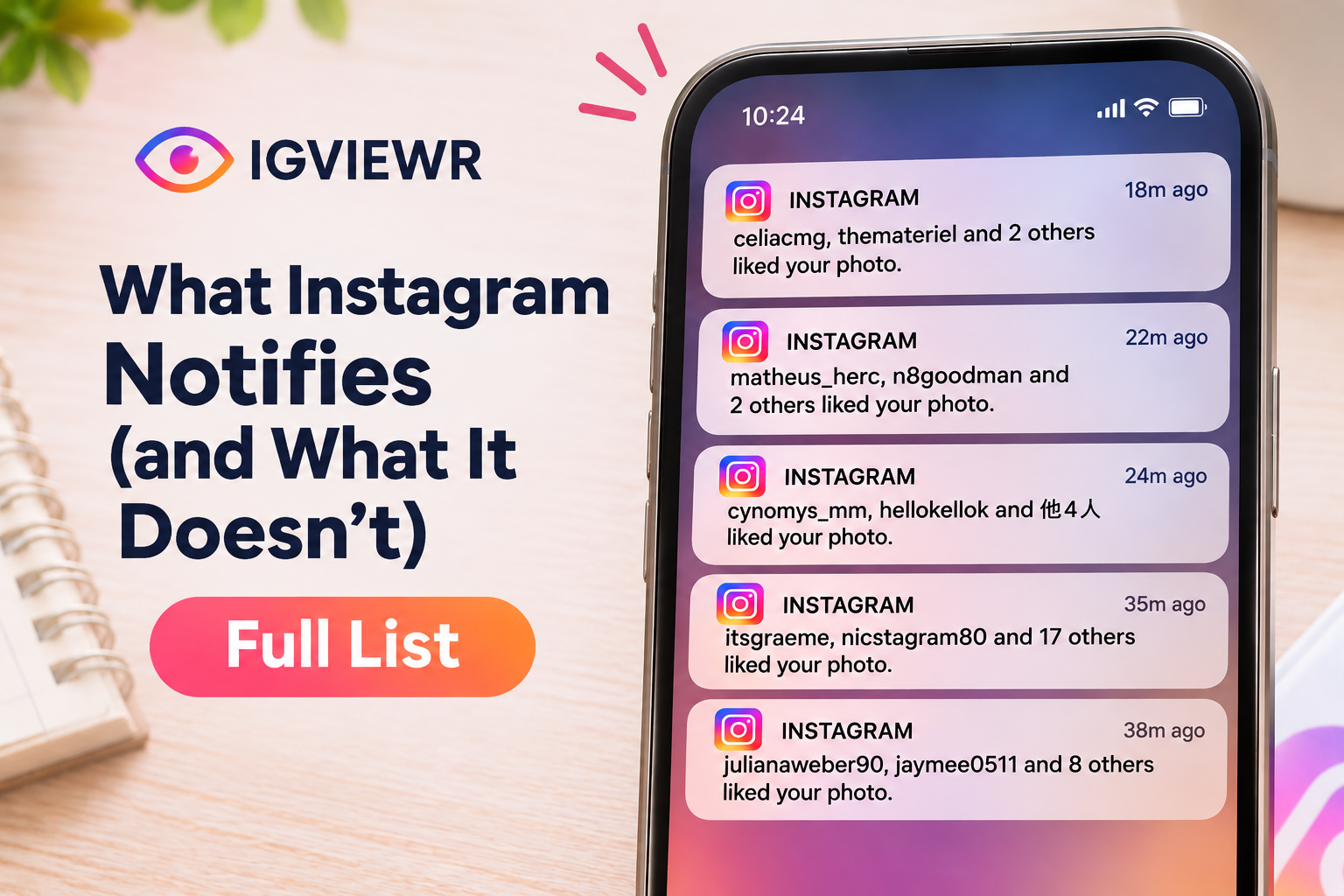
Does Instagram notify when you view someone's profile, Story, followers list, or photos? In most cases, no. Instagram does not tell someone when you simply visit their profile, look through their posts, or check their followers. However, watching a Story, sending a message, liking content, or interacting with an account can reveal your activity.
The important difference is between a notification and visible activity. Someone might not receive a notification on their phone, but they could still see your username in their Story viewer list or Instagram interactions.
This guide explains what Instagram notifies people about, what they can see without a notification, and which activities remain private.
How Instagram Viewing Notifications Work
Instagram does not send notifications when you visit someone's profile, read their bio, check their followers, or browse their regular posts and Reels.
There are some exceptions to being invisible:
- Stories: Your username can appear in the owner's viewer list.
- Likes and comments: The owner can see your interaction and may receive a notification.
- Follows: Following someone normally generates a follow notification or request.
- Direct messages: Sending a message makes your account visible to the recipient.
- Disappearing messages: Screenshot detection may generate an alert or prevent the capture.
Instagram also provides account activity and performance statistics to eligible professional accounts. These statistics do not identify everyone who visits a profile.
Instagram Notification and Visibility Comparison
The following table explains common Instagram actions and whether the other person can tell what you did.
| Your Instagram Activity | Does Instagram Notify Them? | What Can They See? |
|---|---|---|
| View someone's profile | No | No individual profile visitor list |
| Search for their username | No | Nothing identifying your search |
| Read their bio | No | Nothing |
| View their followers list | No | No record of who opened the list |
| View their following list | No | No visitor notification |
| Open their profile picture | No | Nothing |
| Zoom their profile picture | No | Nothing |
| Watch their Story | No separate view notification | Your username in the viewer list |
| Watch a Close Friends Story | No separate view notification | Your username in the Story viewer list |
| Watch their Highlight | No separate view notification | Your username may be visible within the original Story's 48-hour window |
| Watch their Reel | No | Aggregate views, not individual viewer names |
| View their post | No | No individual post viewer list |
| Like a post or Reel | Yes, normally | Your username and like |
| Comment on a post | Yes, normally | Your comment and username |
| Save their post | No | Aggregate saves may appear in Insights |
| Share their post through DM | Not normally to the original creator | Aggregate sharing information may be available |
| Repost their content | May generate an activity notification | Your public repost and attribution |
| Follow their account | Yes, normally | Your username or follow request |
| Unfollow their account | No | You disappear from their follower list |
| Send a DM | Yes, depending on settings | Your message and account |
| Read a DM | No separate push notification | A read receipt if enabled |
| Screenshot a Story | No | No screenshot alert |
| Screenshot a regular post or Reel | No | No screenshot alert |
| Screenshot a regular DM | No | No screenshot alert |
| Screenshot disappearing chat content | May notify or block capture | A screenshot indicator or warning when detected |
| Screenshot a Vanish Mode chat | Yes, when detected | A screenshot notification |
| Block or restrict someone | No direct notification | They may notice changes in access or interactions |
Important: Notification delivery depends on Instagram settings, device permissions, and feature availability. An activity can remain visible inside Instagram even when the other person receives no push notification.
Profile Visits and Instagram Searches
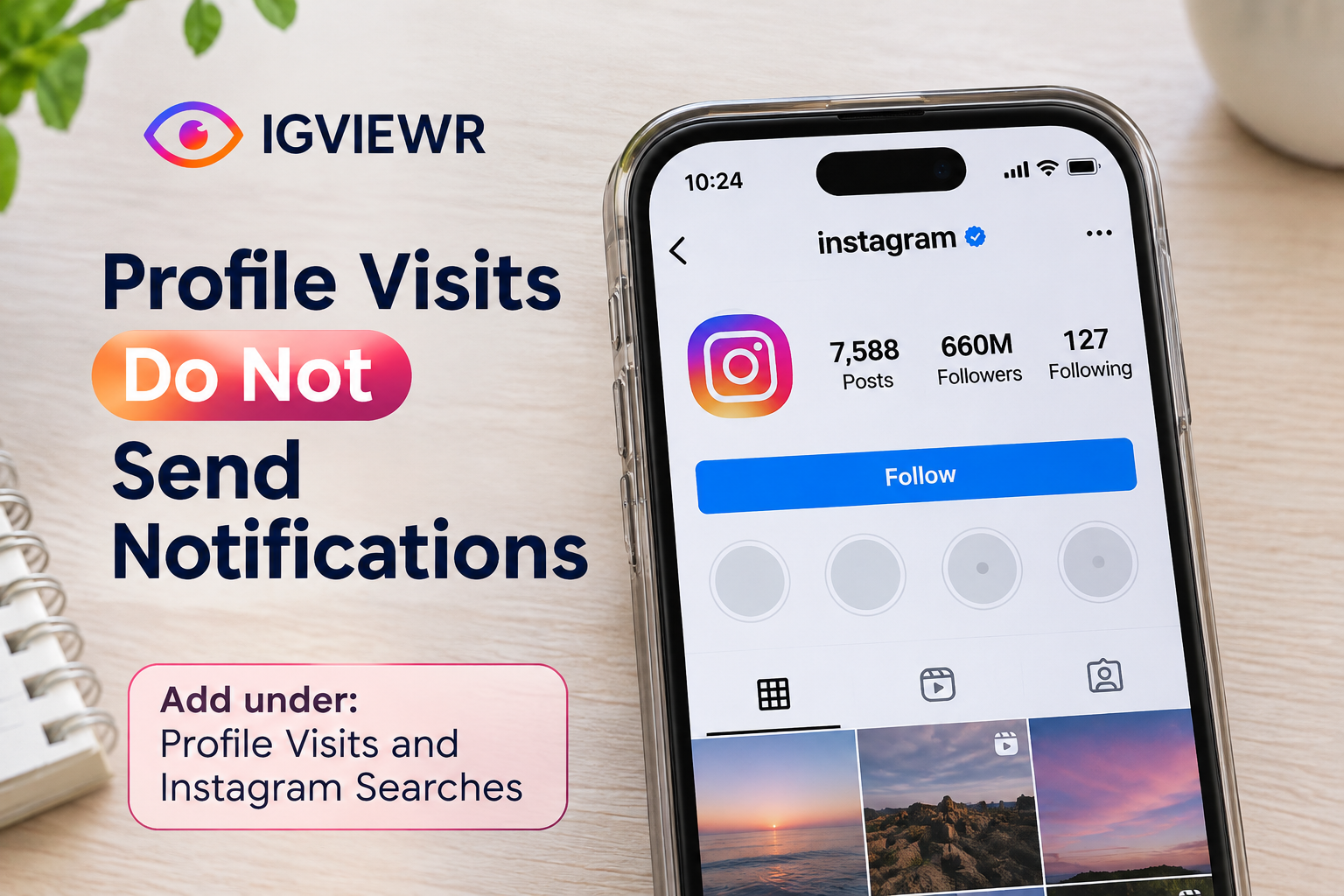
Instagram does not provide a feature that shows exactly who visited a profile.
You can open someone's account, read their bio, look at their profile information, and scroll through their public content without generating a profile-view notification.
Profile Visit Counts and Visitor Privacy
Instagram does not show account owners how many times a specific person visits their profile.
Professional accounts may see aggregate profile activity through Instagram Insights, but these numbers do not identify individual visitors.
For example, a creator might see that their profile received 500 visits during a reporting period. They cannot use that statistic to identify the 500 accounts or determine how often you personally visited.
Username Searches and Notifications
Searching for a username does not send that person a notification.
Even if you search for the same account repeatedly, Instagram does not provide the account owner with a list of people who searched for them.
Your search history and recommendations may change based on your activity, but that is different from notifying the account you searched for.
If you want to browse publicly available account information without signing into Instagram, you can use the Instagram Profile Viewer.
Viewing Followers and Following Lists
Instagram does not notify someone when you open their followers or following list.
You can check which accounts follow a public profile without sending the account owner a notification.
Repeated Visits to Followers Lists
Instagram does not show how many times you opened someone's followers list.
However, opening a list is different from interacting with the accounts inside it. Following an account, liking its content, or sending a message may reveal your activity to that account.
You can also explore publicly available account connections using the Instagram Followers Viewer.
Profile Picture Viewing and Zooming
Instagram does not notify users when someone opens, enlarges, or zooms their profile picture.
This applies to viewing the picture through Instagram's available interface and ordinary device zoom features.
The account owner cannot see who enlarged their photo or how long someone spent looking at it.
If you need a larger version of a publicly available profile photo, the Instagram Profile Picture Viewer provides a separate way to view it.
Instagram Story Views and Viewer Lists
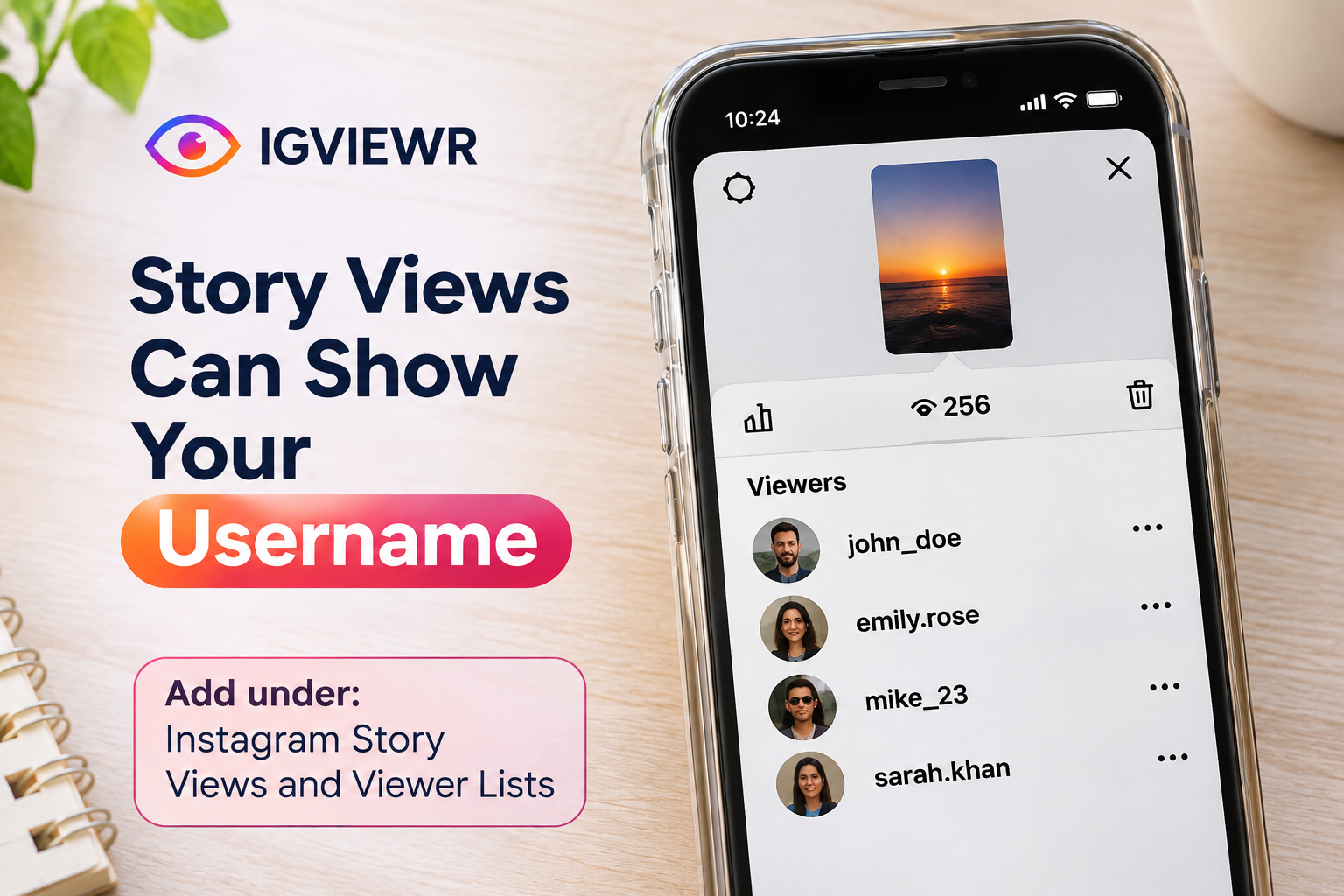
Instagram does not normally send a separate notification every time someone watches a Story. However, the Story owner can see the usernames of accounts that viewed it.
This is one of the biggest differences between Instagram Stories and regular posts.
For example, if you open someone's Story while signed into your Instagram account, your username can appear in their viewer list even if you do not like or reply to the Story.
How Story Views Reveal Your Username
When you watch someone's Instagram Story while logged into your account, the owner can normally see your username in their viewer list.
They do not need to follow you to see that you watched a public Story. However, Instagram does not send a separate push notification for every viewer.
For more information about usernames and viewer information, read our Instagram Story Viewer List guide.
How Long Do Story Viewer Names Remain Visible?
Instagram generally makes individual Story viewer information available for up to 48 hours after the Story was originally posted.
The Story itself normally remains active for 24 hours. The owner may still access available viewer information through their Story Archive during the remaining period.
After the 48-hour window, individual viewer names are no longer normally available.
Repeat Story Views and Replays
Instagram does not send a separate notification every time you replay a Story.
The owner can see that your account viewed it, but Instagram does not provide a reliable individual replay counter showing exactly how many times you watched.
Aggregate view numbers can differ from the number of unique viewers.
Our guide to Instagram Story replays and viewer counts explains this difference.
Story Views by Non-Followers
No separate notification is sent simply because a non-follower watches a Story.
However, when someone views a public Story while signed into Instagram, their username may appear in the owner's viewer list whether or not they follow the account.
Private accounts normally limit Story access to approved followers.
You can read more about Instagram Story viewers who don't follow you and who can see your Instagram Story.
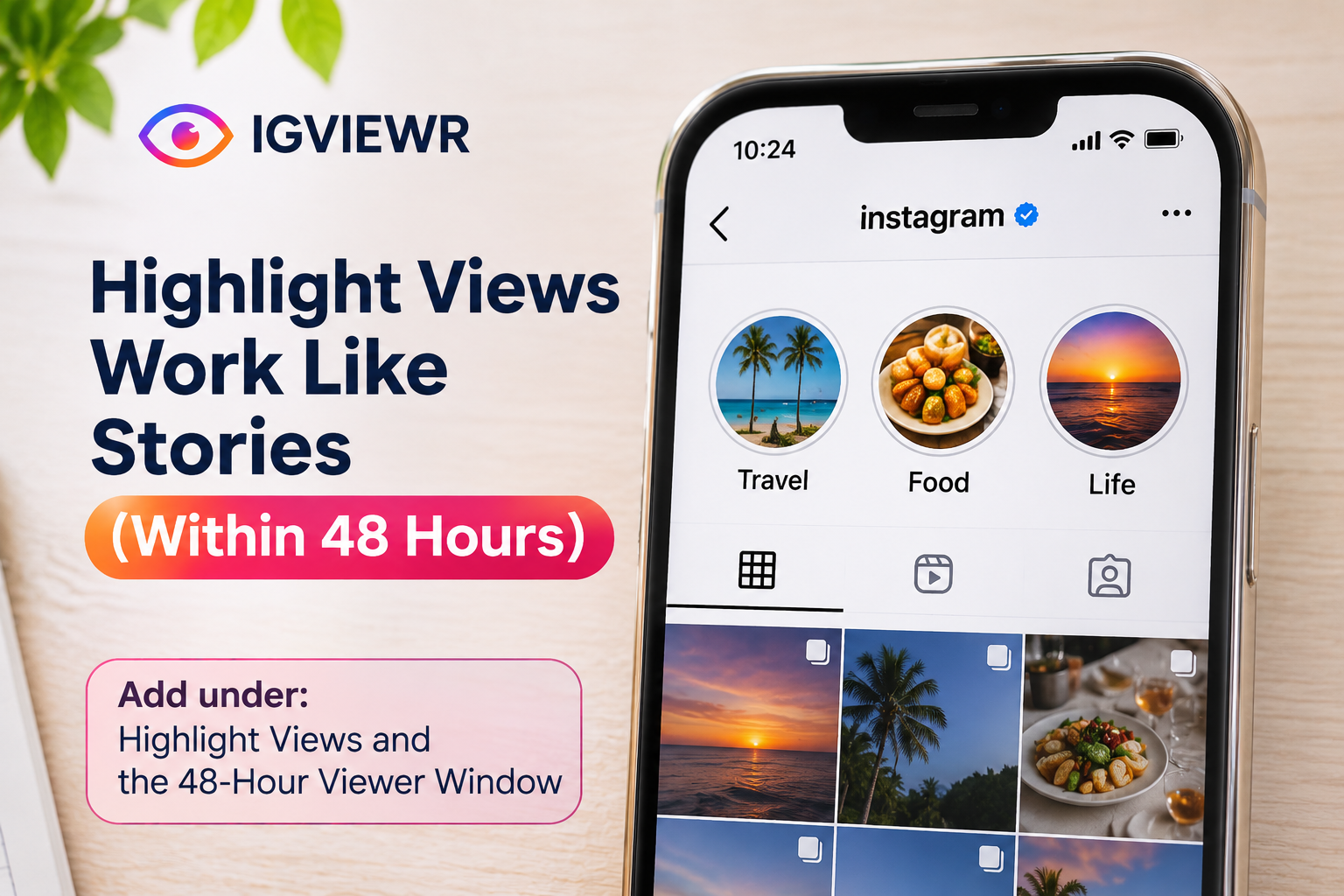
Highlight Views and the 48-Hour Viewer Window
Instagram does not send a separate notification when you open someone's Highlight.
However, Highlight viewer visibility depends on when the original Story was published.
If the original Story was posted less than 48 hours ago, the owner may still be able to see your username in the viewer information.
If the original Story is older than 48 hours, Instagram does not normally provide the owner with a list of new individual Highlight viewers.
Adding a Story to a Highlight does not restart the original 48-hour viewer window.
You can explore publicly available saved Stories through the Instagram Highlights Viewer.
Viewing Instagram Posts and Reels
Instagram does not identify individual people who simply watch a Reel or open a regular feed post.
Reels can display view counts and other engagement information. Professional accounts may also access additional performance statistics.
However, these measurements do not provide a list of everyone who watched.
Reel Replays and View Counts
Rewatching a Reel does not send the creator a notification identifying you.
Repeated plays may affect aggregate performance metrics, but the creator cannot use those numbers to determine exactly how many times your account watched.
Saved Posts and Insights
Saving a post or Reel to your private Saved collection does not notify its creator.
Eligible professional accounts may see aggregate save counts through Insights, but Instagram does not provide a list of the accounts that saved a post.
Likes, Comments, Shares, and Repost Notifications
These actions are different from simply viewing content.
Liking or commenting can generate notifications and makes your interaction visible.
Sharing a post privately through a DM does not normally tell the original creator exactly who received it. Public reposts and Story shares can create visible activity, and notifications may depend on the sharing method.
To understand repost activity in more detail, read How to See Who Reposted Your Instagram Post.
Direct Messages and Read Receipts
Instagram messages have different visibility rules from profiles, posts, and Stories.
A sender may be able to see whether their message was read, depending on the conversation settings. However, simply opening a conversation does not always trigger a separate notification.
The Seen Indicator and Read Receipts
Instagram does not normally send a separate push notification saying that you opened a message.
However, the sender may see a Seen indicator when read receipts are enabled.
Instagram allows users to control read receipts for supported conversations. If you disable them, the sender generally cannot rely on the usual Seen indicator to confirm that you opened their message.
Viewing Message Requests
Opening a message request does not work exactly like reading an accepted conversation.
Instagram generally does not show the sender a normal read receipt simply because you preview their message request before accepting it.
The available behavior can depend on the message type and Instagram's current settings.
Screenshots and Screen Recording Alerts
Instagram does not normally notify people when you screenshot or screen-record a regular Story, Highlight, post, Reel, profile, or ordinary DM.

The main exceptions involve disappearing content in chats.
| Content Type | Screenshot Notification | Screen Recording Notification |
|---|---|---|
| Instagram Story | No | No |
| Close Friends Story | No | No |
| Highlight | No | No |
| Feed post | No | No |
| Reel | No | No |
| Profile or bio | No | No |
| Profile picture | No | No |
| Regular DM | No | No |
| Disappearing photo or video in DM | May alert or block capture | May alert or block capture |
| Vanish Mode or disappearing messages | Yes, if detected | Yes, if detected |
Screenshots of Stories, Posts, and Reels
Instagram does not send screenshot notifications for regular Stories, posts, Reels, or Highlights.
This also applies to Close Friends Stories. The owner may see that you viewed the Story, but Instagram does not normally tell them that you captured a screenshot.
Screen recordings of regular content follow the same general rule.
Regular DMs vs. Disappearing Messages
For ordinary DM conversations, Instagram does not normally send screenshot notifications.
Disappearing photos, videos, and messages are different. Instagram may notify the other person when a capture is detected or block screenshots and screen recordings on supported app versions.
Some newer Instagram versions restrict captures of disappearing media rather than simply notifying the sender afterward.
These protections do not guarantee that another person cannot preserve content using an external camera.
Never assume that a disappearing message can be captured without the sender knowing.
Vanish Mode and Screenshot Alerts
Vanish Mode and other disappearing-message features are designed for conversations where messages are not intended to remain permanently visible.
Instagram may show chat activity related to these features, including when disappearing-message settings change.
If Instagram detects a screenshot or screen recording of protected disappearing content, it may notify the conversation participants.
Feature names, availability, and capture restrictions can differ across devices, regions, and app versions.
The safest approach is to treat disappearing conversations as potentially notifying participants about screenshots.
Follow, Unfollow, Block, and Restrict Notifications
Following someone normally generates an Instagram activity notification or follow request.
Unfollowing, blocking, and restricting work differently. These actions generally do not send direct notifications, although the other person may notice changes to their account interactions.
Unfollowing and Follower Count Changes
Instagram does not send a direct notification when you unfollow an account.
However, the person may notice that your username is no longer in their followers list or that their follower count changed.
Blocking and Restricting Accounts
Instagram does not directly notify someone when you block or restrict them.
However, the effects are different.
Blocking: The person may notice that they cannot find your profile, access your content, or interact with your account as before.
Restricting: Instagram limits certain comments, messages, and interaction visibility without openly informing the restricted person.
Restricting someone does not automatically prevent them from seeing your public Stories.
Close Friends List Changes
Instagram does not send a direct notification when you add or remove someone from your Close Friends list.
However, a person included in the audience may recognize the green ring around a Close Friends Story.
Learn what the indicator means in our Instagram Green Ring and Close Friends guide.
Viewing Public Instagram Content Privately
Whether you can view Instagram content without being identified depends on the content and how you access it.
Browsing a profile, looking through followers, reading posts, and watching Reels without interacting does not normally reveal your username to the account owner.
Stories are different because Instagram records signed-in viewers.
If you want to view publicly available Stories without using your Instagram account, IGVIEWR offers an Instagram Story Viewer that does not require you to sign in.
You can also view public Instagram content without an account.
These tools do not provide access to private accounts, restricted Close Friends Stories, or private direct messages. A private Instagram account still requires appropriate access through Instagram.
Frequently Asked Questions
Does Instagram notify when you view someone's profile multiple times?
No. Instagram does not send profile-visit notifications or show a list of individual profile visitors, regardless of how often you visit.
Does Instagram notify when you view someone's Story anonymously?
When public content is accessed through a viewing service without signing into your Instagram account, your Instagram username is not submitted as a signed-in Story viewer. This is different from opening the Story inside Instagram while logged in.
Does Instagram notify when you screenshot a Story?
No. Instagram does not normally send screenshot notifications for Stories, including Close Friends Stories.
Does Instagram notify when you screenshot a disappearing message?
It may notify the other participant if the screenshot is detected. Some disappearing media also have screenshot and screen-recording restrictions.
Final Thoughts
Instagram does not notify people about most ordinary viewing activity. Profile visits, searches, followers lists, posts, and Reels generally remain private.
Stories are the main exception, because the owner can see signed-in viewers for a limited period. Likes, comments, follows, messages, and some disappearing-message screenshots can also reveal your activity.
The key difference is that Instagram may show your activity without sending a separate notification.